













AI assistant for life and business
LifeOS replies to customers on Telegram and WhatsApp, manages deals, handles personal tasks, and automates routine work. Right in the chat.

What you get from day one.
- 24/7
replies to customers in chat
- 2
channels: Telegram and WhatsApp
- 5 min
to connect, no code
- Any use case
ready-made or built for your task
Set up in 5 minutes. No code, no configuration.
Sign up with Google, Apple, or email, then add your knowledge base and documents. From there, the assistant replies to customers, manages deals, and takes routine work off your plate.
1/8A website in a minute
Features.
From a customer's first message to the report: LifeOS handles sales, messaging, and routine work.

Replies to customers in messengers

Ask about your CRM

Builds reports and metrics

Automates routine work
Figures out what the customer needs, answers questions, guides them to a purchase, and records what was agreed.
Telegram and WhatsApp: one assistant for both chats, with no missed messages.
AmoCRM, Bitrix24, or your own: email info@lifeos.life with the CRM you use, and we'll tell you what's possible.
Tracks revenue, conversion, and workload, and sends sales summaries with no manual exports.
Sets up use cases: a follow-up message after a call, reminders, broadcasts, and handing tasks off between people.
Everything you need to do in one list.
Customer chats and assistant tasks live in one app. See what's done and what's waiting for you.

Messengers and email in one app.
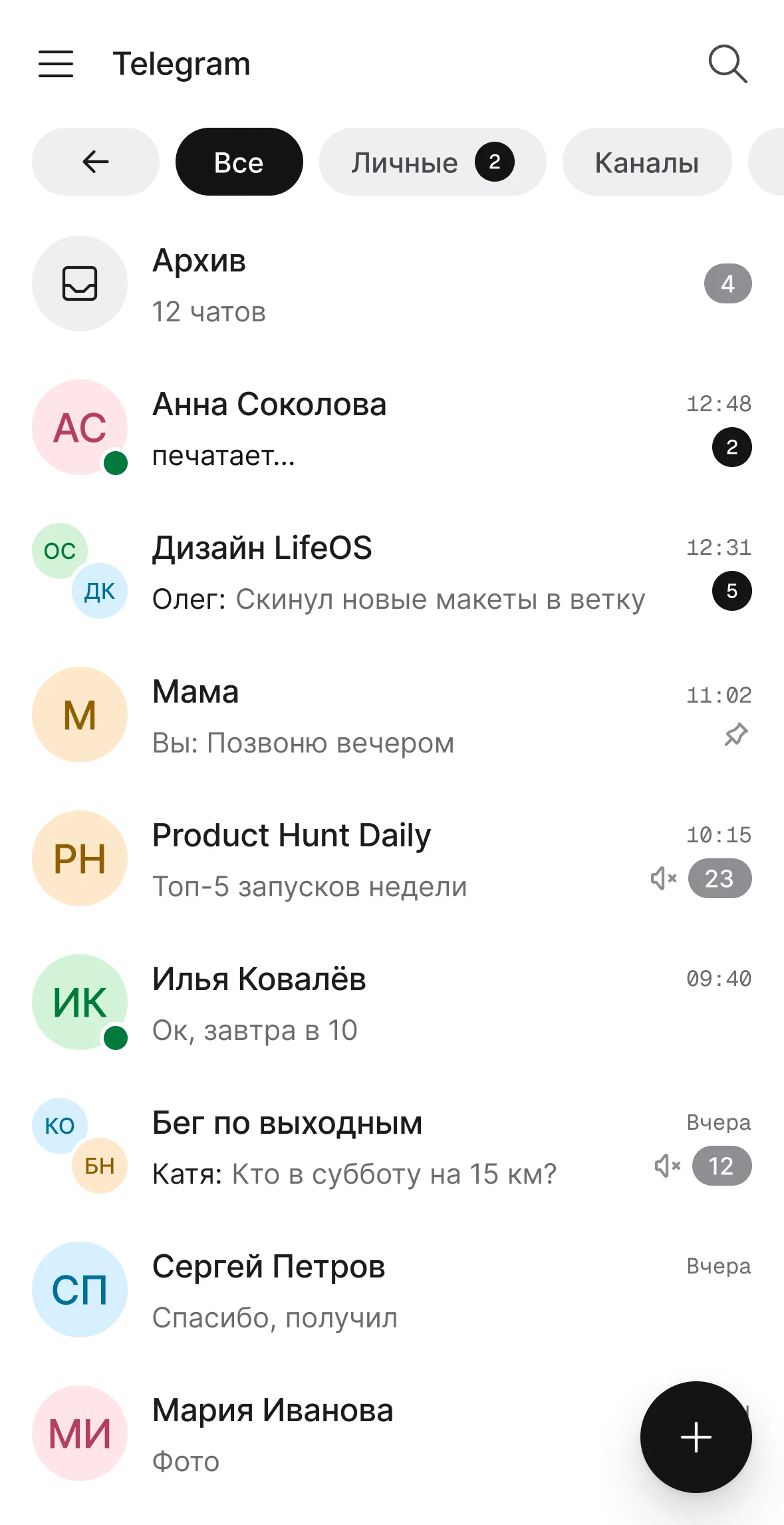
Connect Telegram, WhatsApp, and email. LifeOS agents handle conversations with customers, and you see every chat.
Who it's for.
Small businesses where inquiries come in through messengers and replies happen in between everything else.
-
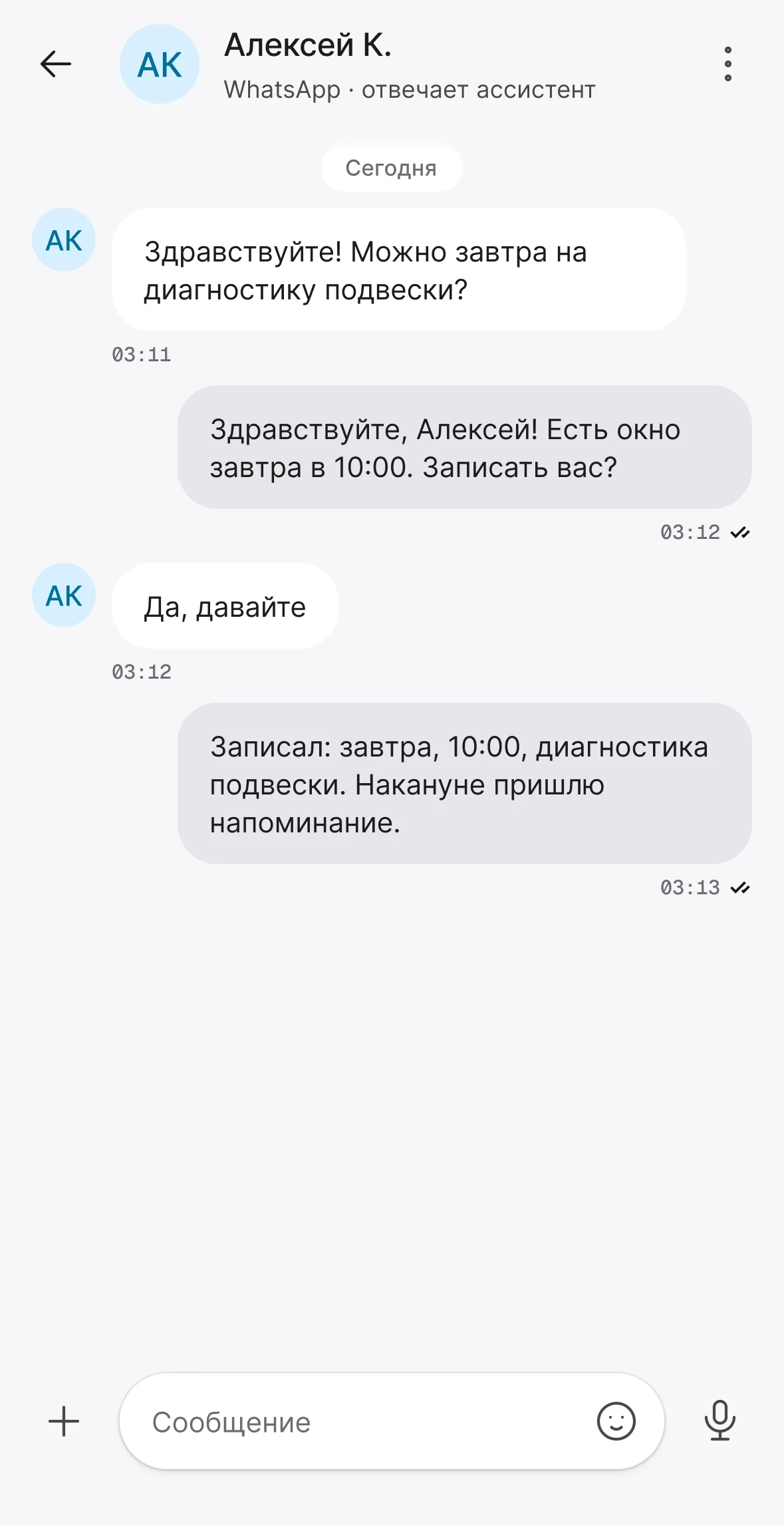
 Auto repair shop.
A WhatsApp inquiry becomes a lift booking, and the customer gets a reminder the day before.
-
 Tool rental.
Bookings and returns are handled right in the chat, and the assistant sends due-date reminders on its own.
-
 Pickup point.
Order status, opening hours and common questions are handled without an operator.
-
 Salon and bookings.
Bookings, rescheduling and post-visit reminders run on their own, so the stylist just focuses on clients.
Agent catalog.
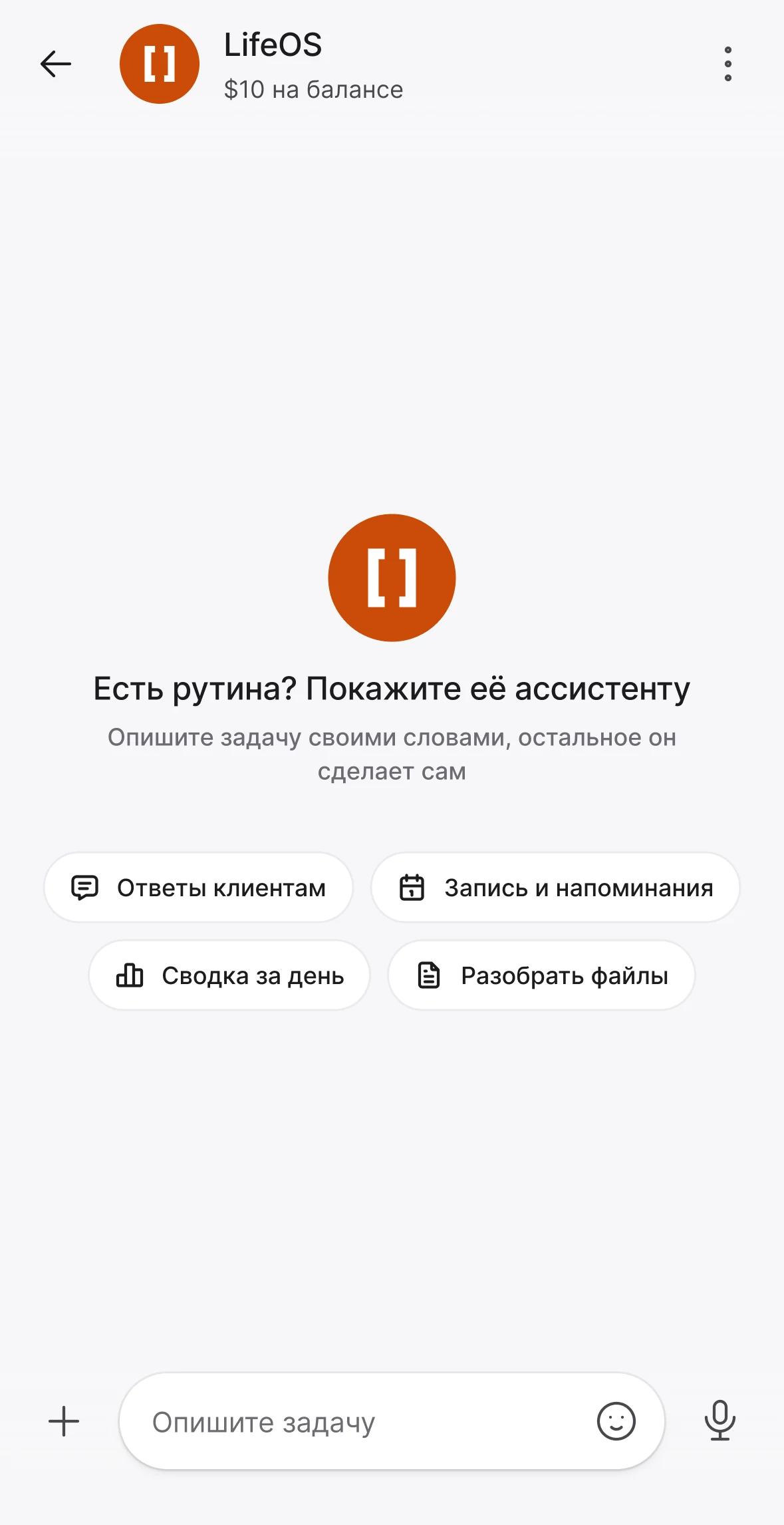
Every business task has its own agent. Pick an agent, and it opens in your chats already set up.
Plans. Start is free while we’re testing.
One limit for everything: replies, documents, images, voice and video. The app shows how much of this week’s limit is left.
Free
$0
To try it out
- Basic model
- Weekly limit
- No experts
Start Free for now
$20per month
For everyday work
- 6 times the Free limit
- No experts
Pro
$100per month
For businesses with a steady flow of customers
- 7 times the Start limit
- Experts for complex tasks
Max
$200per month
For teams
- 14 times the Start limit
- Experts for complex tasks
Scale
$500per month
For heavy workloads
- 36 times the Start limit
- Experts for complex tasks
The limit resets every week. If it runs out sooner, you can move to a higher plan
FAQ.
Still have questions? Email us directly at info@lifeos.life
Do I need a developer to set it up?
No. Sign up with Google, Apple or email. Setup takes about 5 minutes.
Does LifeOS work with my CRM?
It depends on the CRM and the task. Email info@lifeos.life and tell us which one you use: AmoCRM, Bitrix24 or a custom one, and we'll tell you what we can do.
Is it really free?
Yes, and no card is needed. While we’re testing, everyone gets the $20 Start plan for free, and it renews automatically. Once payments are live, you can stay on Free at no cost or pick a paid plan.
How accurate are the agent's answers?
The assistant answers based on your knowledge base and the conversation context. If it's missing information, it asks you instead of making up an answer.
Start for free.
No card. While we’re testing, the $20 Start plan is free. Sign up with Google, Apple or email.